
- Go to the Wait List Feature, under Admin/Wait List
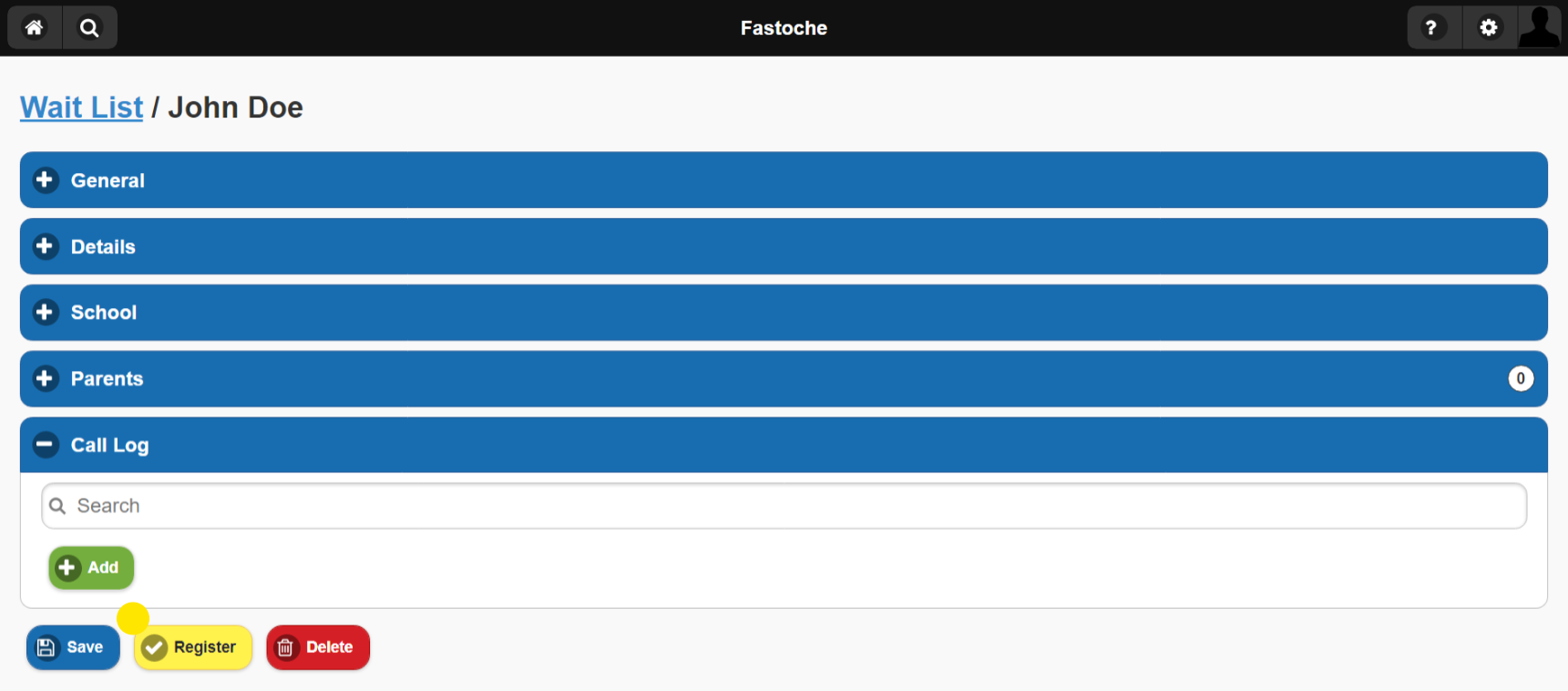
- Select the child you want to register
- Scroll to the bottom of the page
- Select Register
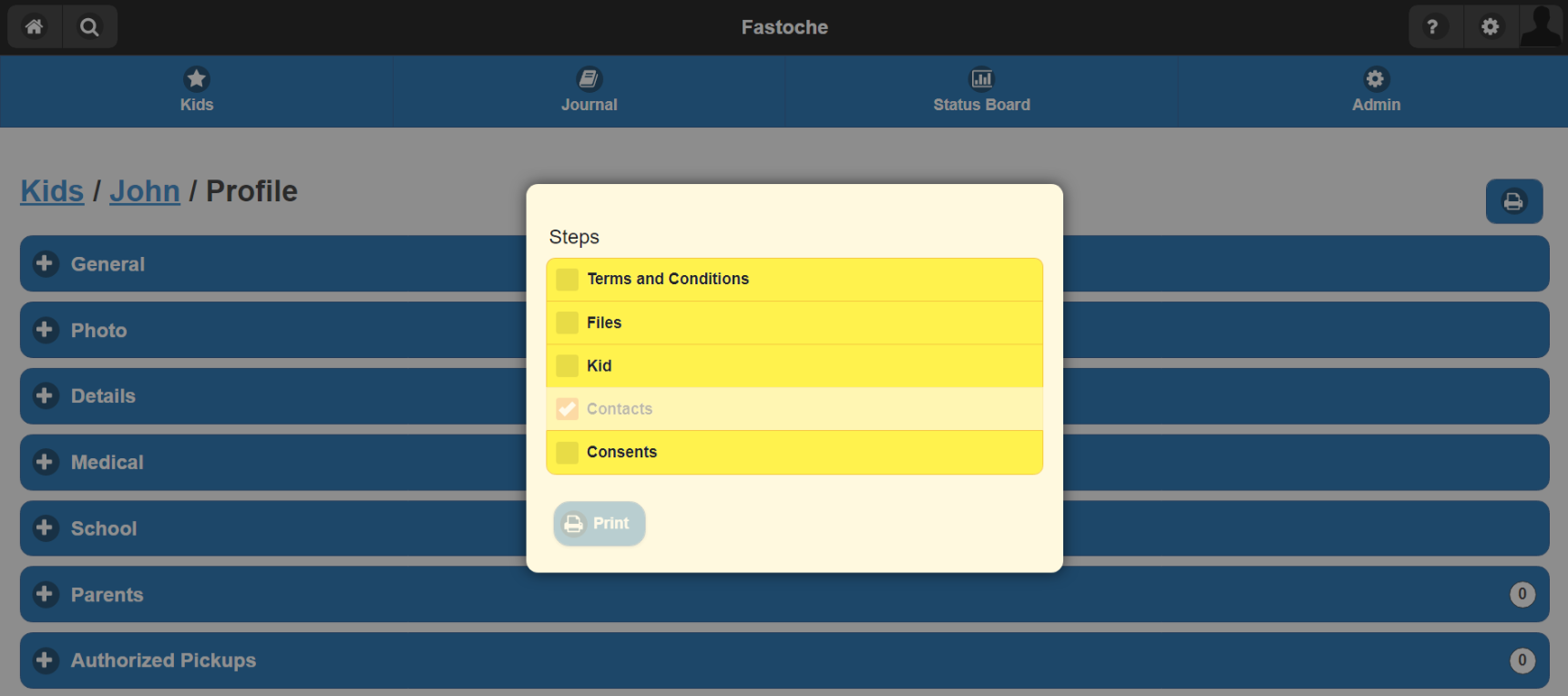
After these steps are completed you will be directed to the child's Profile. This will also show the popup to send the child's family an Update / Registration Request. This can be done at any point, so if you would like to skip this step simply click on the screen outside of the popup.
Please note, The child's first day will show as the "Date Required", so if that date is in the future the child won't be active until that day. This can be changed in the General section of their profile.